A hexagonal map editor implemented in Unity
- TypeTool
- Linkgithub.com
I developed this hexagonal map editor in Unity 6 partly as an exploration into how hexagonal maps work in games like the modern Civilization titles, but also to become more familiar with authoring custom tools in Unity.
It consists of the following:
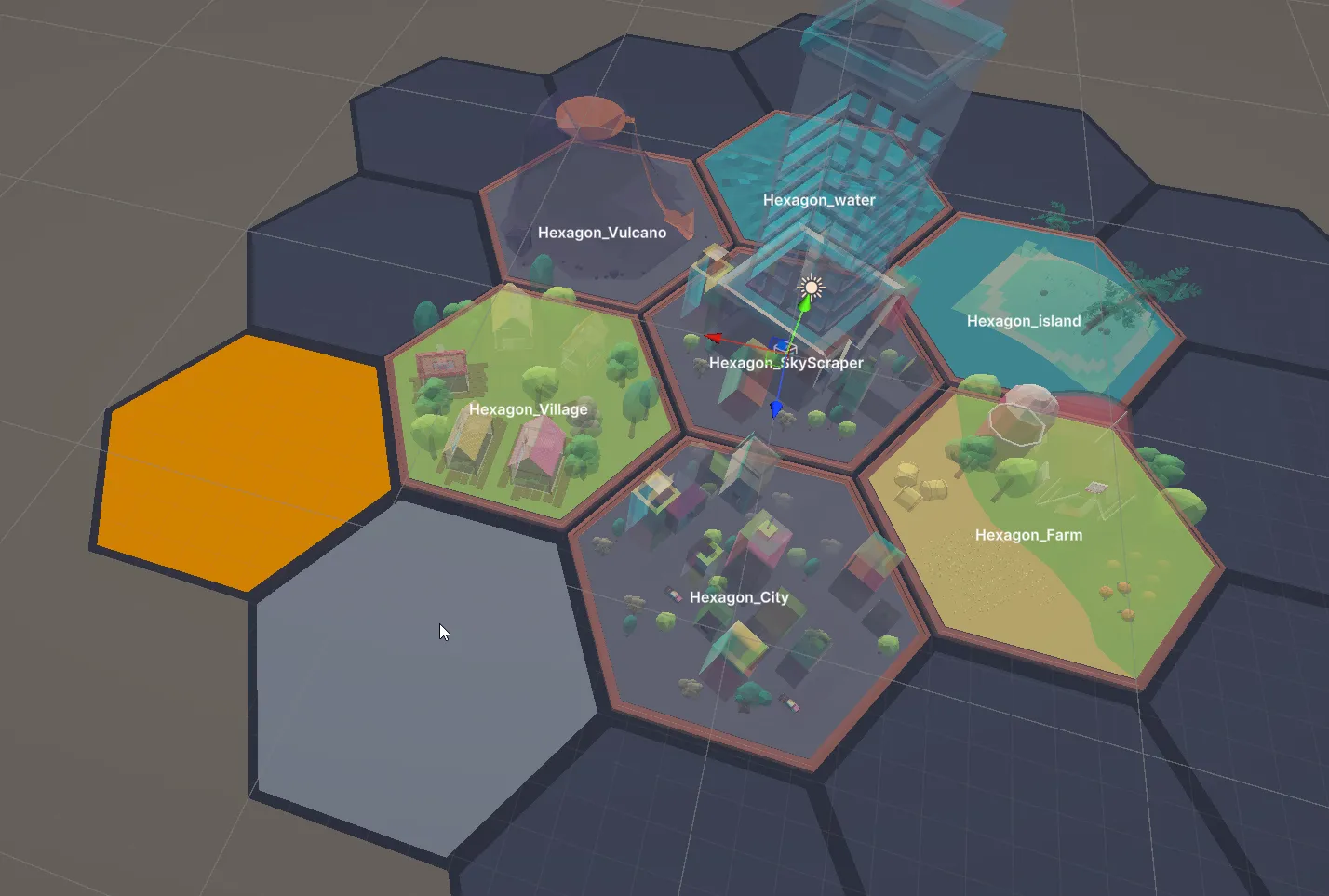
- A hexagonal grid with cells in flat-top orientation using an axial coordinate system
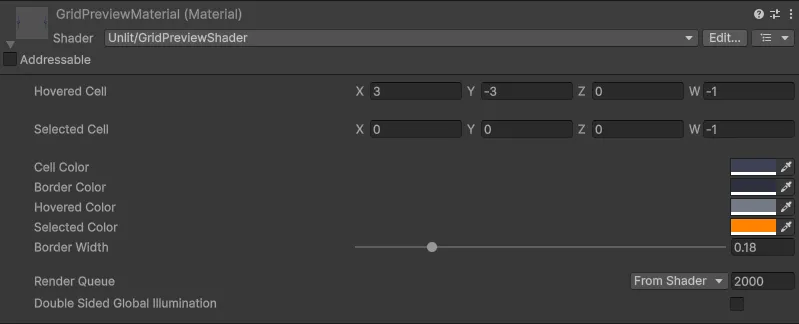
- A custom shader for drawing the cells, including properties to adjust grid size, cell size, and colours for each state (normal, hovered, selected)
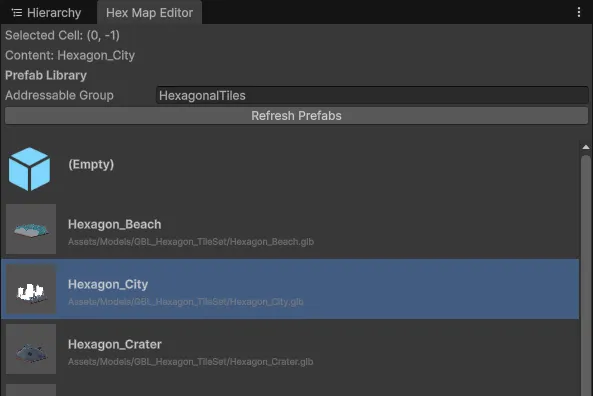
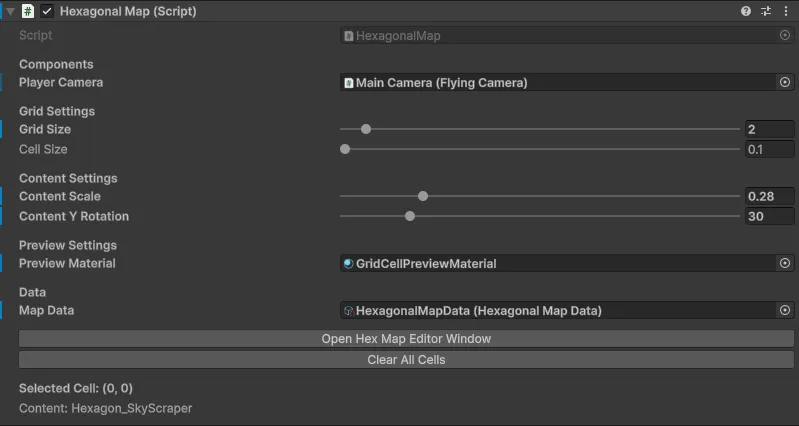
HexagonalMapData: AScriptableObjectimplementation to persist cell data (which includes asset references for prefabs to spawn in each cell)HexagonalMap: AMonoBehaviourimplementation that handles the grid settings, updates to the shader properties, and updates to the cell dataHexagonalMapEditor: ACustomEditorimplementation forHexagonalMapthat exposes the grid settings via the inspector and draws previews of content placed in the cellsHexagonalMapEditorWindow: AnEditorWindowimplementation using the Addressables package for grouping, listing, and selecting prefabs to place in the currently selected cell
The source code is available at github.com/Riari/unity-hex-map-editor.
Here’s a video of the editor in action:
Screenshots
The tile assets I used in this project are from itch.io/dice-lands-hexagon-tile-assets.